
An IT help desk is the central nervous system of any modern organization, yet it is often viewed as a reactive cost center. What if it could be more? By implementing strategic IT help desk best practices, small and mid-sized businesses (SMBs) can transform their support function into a proactive, value-driving powerhouse. This isn't just about fixing problems faster; it's about enhancing productivity, securing critical data, and improving the end-user experience across the entire company.
In this guide, we will break down ten essential practices that move beyond generic advice. We offer actionable steps, real-world examples, and implementation strategies tailored for organizations that need to be efficient, secure, and compliant. For small to medium-sized businesses, adopting robust customer service best practices for small businesses is crucial for both efficiency and growth, and these principles are the foundation of an effective help desk.
From mastering ticket management and prioritization to leveraging powerful self-service tools, these are the proven strategies that distinguish a world-class help desk from an average one. You will learn how to implement systems that not only solve today's issues but also anticipate tomorrow's challenges, ensuring your technology infrastructure supports your business goals.
1. Ticket Management and Prioritization
Effective ticket management is the cornerstone of a high-performing IT help desk, transforming chaotic user requests into a structured, manageable workflow. This practice involves systematically capturing, categorizing, and prioritizing every support request to ensure that critical issues receive immediate attention while maintaining visibility over all incoming tickets. By leveraging a dedicated ticketing system, organizations can prevent requests from being overlooked and allocate resources efficiently, which is a fundamental aspect of IT help desk best practices.

This approach, popularized by frameworks like ITIL and platforms such as Jira Service Management and Zendesk, is crucial for any business, especially those in regulated industries like healthcare or finance where audit trails are mandatory.
How to Implement This Practice
A structured system ensures consistency and accountability. For small to midsize businesses, implementing a ticketing system creates a centralized hub for all IT issues, improving response times and user satisfaction.
- Establish a Priority Matrix: Define ticket priority by combining impact (how many users or systems are affected) with urgency (how quickly the business is affected). For example, a system-wide server outage is a high-impact, high-urgency ticket (P1), while a single user's request for a new mouse is low-impact and low-urgency (P4).
- Set Clear SLAs: Create Service Level Agreements (SLAs) that dictate response and resolution times for each priority level. This manages user expectations and provides a benchmark for help desk performance.
- Standardize Documentation: Train your team to document tickets thoroughly, including user details, issue descriptions, troubleshooting steps, and final resolution. This data becomes a valuable knowledge base for resolving future issues.
2. First Contact Resolution (FCR)
First Contact Resolution (FCR) is a critical practice centered on resolving IT issues during the initial interaction, eliminating the need for escalations or follow-up communications. This metric serves as a direct measure of a help desk's efficiency and has a significant impact on user satisfaction. By empowering agents to solve problems on the first call or ticket, organizations can reduce operational costs and build user confidence, making it one of the most effective IT help desk best practices.
This approach, championed by organizations like the Help Desk Institute (HDI) and COPC, is a key focus for industry leaders. For example, Apple Support aims for high FCR rates by investing heavily in comprehensive agent training and robust internal knowledge bases.
How to Implement This Practice
A high FCR rate demonstrates a deep understanding of user issues and the resources to solve them quickly. For regulated industries like healthcare or finance, resolving issues promptly minimizes disruption and potential compliance risks associated with prolonged downtime.
- Build a Comprehensive Knowledge Base: Create and maintain an extensive, easily searchable knowledge base. Equip technicians with articles, scripts, and troubleshooting guides for common issues to provide instant, accurate solutions.
- Empower Frontline Technicians: Provide agents with the necessary permissions, tools (like remote desktop access), and authority to handle a wide range of requests without needing to escalate for approval.
- Track and Incentivize FCR: Measure FCR rates for each agent and issue type to identify training opportunities and process gaps. Recognize and reward top performers to encourage a culture of ownership and effective problem-solving.
3. Knowledge Management and Documentation
Knowledge management is the systematic process of creating, organizing, and maintaining a central repository of IT solutions, procedures, and troubleshooting guides. This practice transforms tacit knowledge from individual technicians into a shared asset, empowering the entire team and end-users alike. By building a robust knowledge base, an organization can dramatically improve first-call resolution (FCR), reduce repetitive inquiries, and provide valuable self-service options, making it a critical component of modern IT help desk best practices.
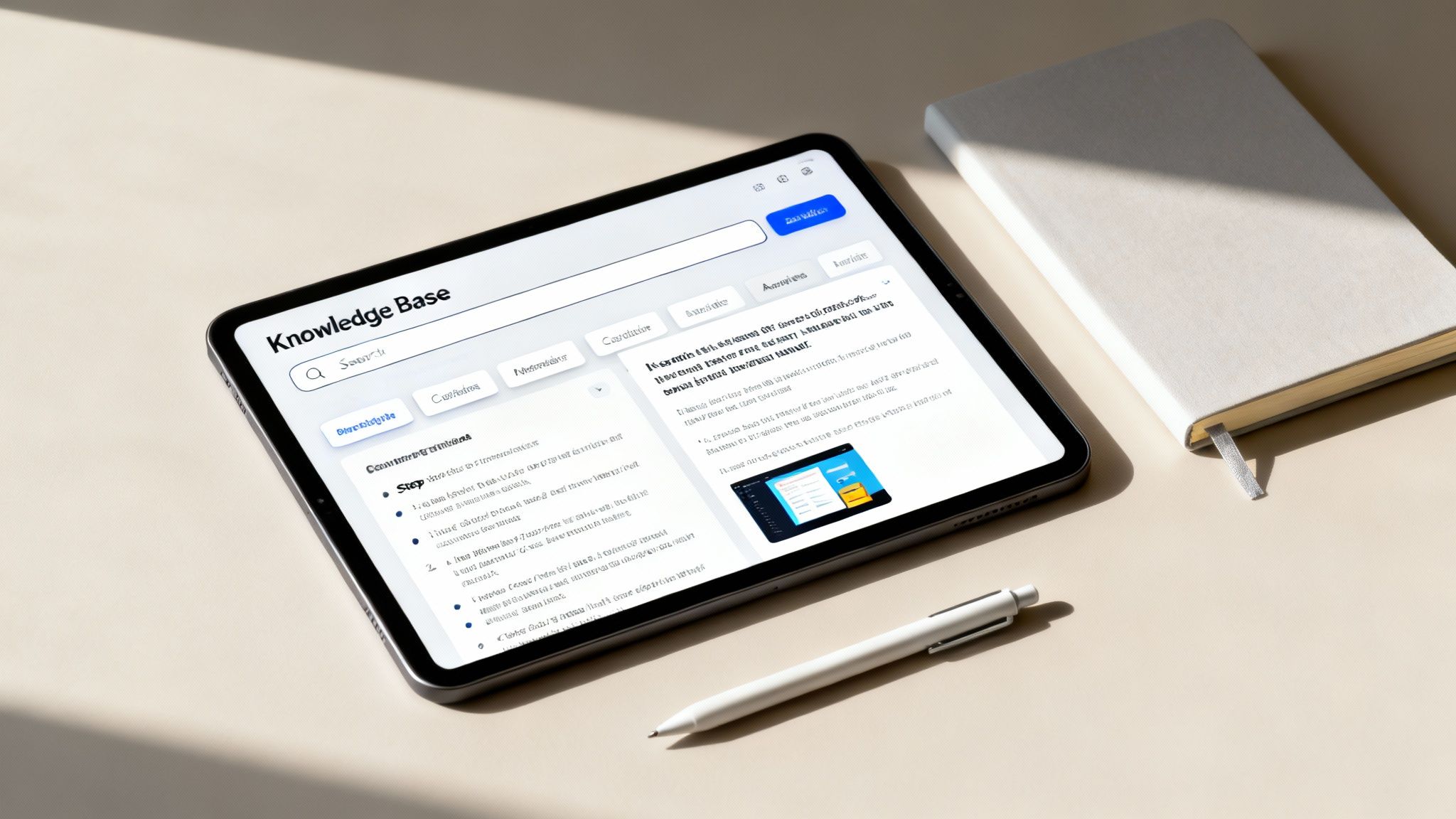
Pioneered by frameworks like ITIL and championed by platforms such as Atlassian's Confluence, this approach is essential for scaling support operations. For regulated industries needing consistent, documented processes for compliance, a well-maintained knowledge base is not just beneficial; it's a requirement.
How to Implement This Practice
A structured knowledge base ensures consistency and empowers users. For small to midsize businesses, it reduces the burden on technicians by enabling users to solve common problems independently, freeing up the help desk to focus on more complex issues.
- Use Standardized Templates: Create templates for all documentation to ensure every article has a consistent format, including sections for the problem, symptoms, and step-by-step resolution. This makes information easier to find and follow.
- Incorporate Rich Media: Enhance articles with screenshots, short videos, and clear diagrams. Visual aids are often more effective than text alone for guiding users through complex technical steps.
- Establish a Review Cycle: Knowledge becomes outdated quickly. Implement a mandatory review cycle (e.g., quarterly or annually) to verify that all documentation is accurate, relevant, and current.
- Promote Contribution: Encourage technicians to document solutions as they resolve new or challenging tickets. This turns real-world problem-solving into a reusable asset for the entire organization.
4. Effective Communication and Customer Service Skills
Technical proficiency is only half the equation for a successful help desk; the other half is exceptional communication and customer service. This practice emphasizes treating every user interaction as a customer service opportunity, focusing on empathy, clarity, and professionalism. By moving beyond technical resolutions to create positive user experiences, organizations can transform their IT help desk from a simple cost center into a valuable business asset that boosts employee morale and productivity. This is a critical component of modern IT help desk best practices.
This people-centric approach, championed by customer service leaders like Zappos and HDI (Help Desk Institute), is essential for businesses in any industry, particularly regulated fields where clear communication can prevent costly compliance misunderstandings.
How to Implement This Practice
Fostering strong communication skills builds trust and reduces user frustration. For SMBs, this approach improves user adoption of new technologies and ensures employees feel supported rather than hindered by IT.
- Implement Customer Service Training: Conduct regular training sessions focused on active listening, empathy, and conflict resolution. Teach technicians to paraphrase user issues to confirm understanding before diving into technical solutions.
- Avoid Technical Jargon: Train your team to explain complex technical concepts in simple, user-friendly language. Instead of saying "Your DNS is not resolving," try "Your computer is having trouble finding the right address for the website."
- Use Scripts as Guidelines, Not Rules: Provide templates for common issues to ensure consistency, but encourage technicians to personalize their communication to sound natural and empathetic. A genuine conversation is always more effective than a robotic script.
- Gather Feedback Continuously: Deploy short, simple satisfaction surveys after a ticket is closed. Use this feedback to identify communication strengths and areas for improvement in your team's customer service approach.
5. Incident Response and Problem Management
A mature IT help desk excels by distinguishing between fighting fires and fire prevention. Incident response focuses on restoring service as quickly as possible, often with a temporary fix, while problem management aims to find and eliminate the root cause of recurring incidents. Adopting this dual approach transforms a reactive help desk into a proactive force for system stability, which is a core tenet of modern IT help desk best practices.
This methodology, central to frameworks like ITIL and Google's SRE model, prevents the same issues from disrupting operations repeatedly. It ensures that while immediate user impact is addressed, underlying system flaws are systematically resolved. For a deeper dive into how this impacts security, you can learn more about why every San Antonio business needs managed IT and cybersecurity services.
How to Implement This Practice
Separating these two functions provides clarity and improves long-term reliability. Even for SMBs, dedicating resources to problem management reduces ticket volume over time and minimizes costly downtime.
- Create Separate Workflows: Use your ticketing system to create distinct processes for incidents and problems. An incident ticket is closed once service is restored, but if it's a recurring issue, a new problem ticket should be opened for root cause analysis (RCA).
- Establish a Known Error Database (KEDB): Document known issues and their workarounds. When a new incident ticket arrives, technicians can quickly check the KEDB for a temporary solution, drastically reducing Mean Time To Resolution (MTTR).
- Conduct Blameless Post-mortems: After major incidents, conduct a review focused on "what" went wrong, not "who" was at fault. This encourages honest analysis and collaboration to identify systemic weaknesses and prevent future occurrences, a practice championed by companies like Google and AWS.
6. Performance Metrics and SLA Management
Defining and tracking performance metrics through Service Level Agreements (SLAs) is a critical practice for transforming an IT help desk from a reactive cost center into a strategic business asset. This approach establishes clear, measurable expectations for service delivery, ensuring accountability and providing transparent visibility into the help desk’s performance. By setting specific targets for response times, resolution times, and uptime, organizations can align IT support with business objectives, a cornerstone of effective IT help desk best practices.
This methodology, heavily promoted by frameworks like ITIL and standardized by major cloud providers like AWS and Microsoft Azure, is essential for any business. It is particularly vital for regulated industries where service availability and documented performance are non-negotiable compliance requirements.
How to Implement This Practice
A well-defined SLA framework provides the data needed to justify resource allocation, identify training gaps, and continuously improve service quality. For SMBs, it moves IT support from "best effort" to a predictable, reliable service.
- Set Realistic and Tiered SLAs: Establish achievable SLA targets based on historical performance data and available resources. Differentiate these agreements by priority level, defining distinct response and resolution times for P1 (critical) versus P4 (low-priority) incidents.
- Balance Speed with Quality: While metrics like First Response Time (FRT) and Average Resolution Time are important, balance them with quality-focused KPIs such as Customer Satisfaction (CSAT) and First Contact Resolution (FCR). This ensures issues are solved effectively, not just quickly.
- Automate Monitoring and Regular Reviews: Implement automated tools within your ticketing system to monitor SLA adherence in real-time and trigger alerts for potential breaches. Schedule quarterly reviews with business stakeholders to assess performance and adjust SLAs as business needs evolve.
7. IT Help Desk Staffing and Training
A help desk is only as good as the people who run it, making strategic staffing and continuous training essential IT help desk best practices. This approach views team members not as replaceable cogs but as valuable assets whose skills directly impact user satisfaction, issue resolution speed, and overall business efficiency. By investing in comprehensive training, clear career paths, and skill enhancement, organizations can build a knowledgeable, motivated, and resilient support team.
This people-first philosophy, championed by organizations like HDI (Help Desk Institute) and certification bodies like CompTIA, is critical for retaining top talent and reducing turnover. Companies like Google and Salesforce have demonstrated its success through extensive internal training academies and clear progression frameworks.
How to Implement This Practice
Investing in your team's growth prevents stagnation and improves service quality. For businesses in specialized sectors like healthcare or finance, a well-trained team ensures compliance and enhances security posture.
- Create Clear Career Paths: Define a progression from Tier 1 to Tier 2, specialist roles (e.g., network security, cloud administration), and management. This provides motivation and a clear future for employees within the company.
- Implement a Robust Onboarding Program: Mandate a structured 2-4 week onboarding process that includes shadowing senior technicians, training on core systems, and instruction on company-specific procedures and customer service standards.
- Promote Continuous Learning: Offer tuition reimbursement for relevant certifications (like CompTIA A+ or Microsoft Azure Fundamentals) and conduct regular training sessions on new technologies and internal tools. This ensures your team's skills remain current.
- Establish Mentorship Programs: Pair new hires with experienced technicians to accelerate learning and foster a supportive team culture, a key component of effective IT help desk and staffing solutions.
8. Remote Support and Self-Service Tools
Empowering users with remote support and self-service tools is a critical IT help desk best practice that extends support beyond physical boundaries and traditional business hours. This approach involves implementing technology that allows technicians to troubleshoot issues remotely and enables users to resolve common problems on their own. By providing on-demand solutions, organizations significantly reduce ticket volume for repetitive tasks, allowing the help desk to focus on more complex, high-impact incidents.
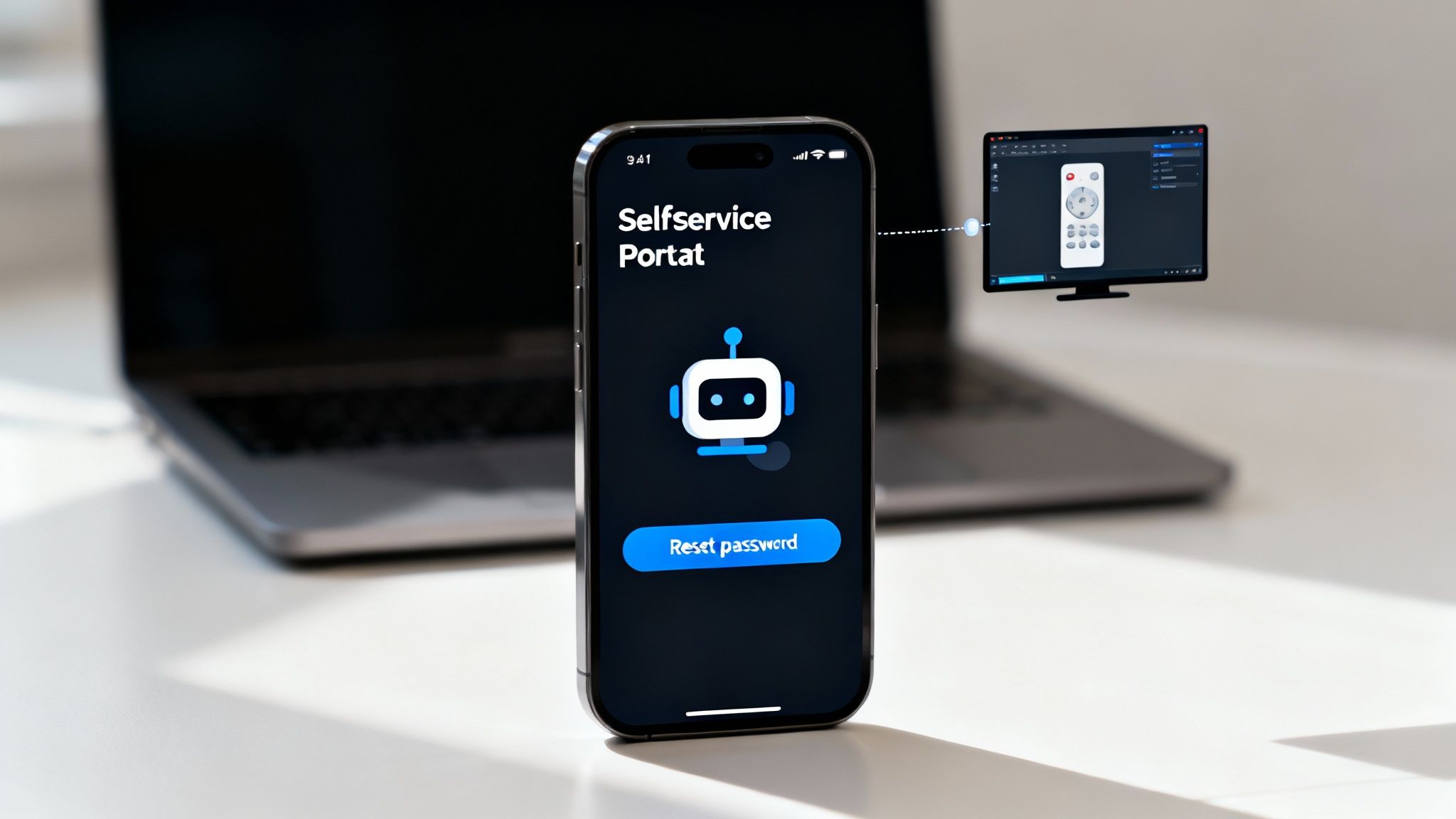
Accelerated by the shift to hybrid work, this strategy is now standard for businesses of all sizes, especially multi-location companies. Platforms like TeamViewer and Microsoft Remote Assistance have become indispensable, while self-service password reset portals from providers like Okta are essential for maintaining productivity and security.
How to Implement This Practice
A dual approach of technician-led remote tools and user-facing self-service options creates a resilient and efficient support ecosystem. This is particularly valuable for regulated industries needing secure, auditable remote access and for growing teams requiring scalable support solutions.
- Deploy Secure Remote Access Tools: Equip your team with enterprise-grade remote support software that includes strong authentication, session recording, and granular access controls. Train technicians on security best practices to protect sensitive data during remote sessions.
- Start with High-Volume, Low-Effort Tasks: Identify the most common and repetitive help desk requests, such as password resets or software installation guidance. Automate these first by creating a self-service portal or knowledge base articles.
- Leverage AI and Chatbots: Implement AI-powered chatbots for initial triage and to guide users through simple fixes. For businesses exploring advanced automation, building a chatbot for IT support can deflect a significant percentage of Tier 1 tickets.
- Track Adoption and Deflection Rates: Monitor how often users access self-service tools and measure the corresponding reduction in ticket volume. Use this data to identify gaps and expand your self-service offerings.
9. Change Management and Asset Lifecycle
Robust change management and asset lifecycle tracking are proactive IT help desk best practices that prevent issues before they occur. This dual practice involves implementing a structured process for all IT changes, from software updates to network modifications, while simultaneously managing hardware and software assets from procurement to disposal. By controlling changes and maintaining an accurate inventory, organizations can minimize service disruptions, ensure compliance, and optimize technology investments, transforming the help desk from a reactive team to a strategic business partner.
This methodology, central to frameworks like ITIL and essential for DevOps pipelines, is critical for any organization. It is particularly vital in regulated sectors like finance and healthcare where every change and asset must be documented for audit and compliance purposes.
How to Implement This Practice
A disciplined approach to changes and assets provides stability and predictability. For growing businesses, this prevents unforeseen conflicts and ensures resources are used efficiently, which is key to scaling IT operations.
- Classify and Approve Changes: Categorize changes by risk and impact: standard (pre-approved, low-risk), normal (requires review), and emergency (urgent fix). All non-standard changes should pass through a Change Advisory Board (CAB) for approval.
- Maintain an Accurate CMDB: Use a Configuration Management Database (CMDB) to track all IT assets and their relationships. Conduct regular audits to ensure data accuracy and detect unauthorized changes or configuration drift.
- Plan the Full Asset Lifecycle: Manage assets proactively by tracking warranty expirations, software license renewals, and performance data. Establish a systematic refresh cycle for aging hardware to prevent performance degradation and security vulnerabilities.
- Communicate and Document: Clearly communicate all planned changes to affected stakeholders well in advance. Crucially, document detailed rollback procedures before any deployment to ensure a swift recovery path if issues arise.
10. Vendor and Escalation Management
No IT help desk can solve every problem alone. Effective vendor and escalation management ensures that when issues exceed internal expertise or authority, there is a structured pathway to a resolution. This practice involves building strategic relationships with external technology partners and defining clear internal procedures for escalating complex tickets, which is essential for maintaining operational continuity and one of the most critical IT help desk best practices.
This methodology, heavily emphasized in frameworks like ITIL and by organizations like HDI (Help Desk Institute), is vital for businesses relying on specialized software or hardware. It ensures you can leverage expert support from vendors like Microsoft, Dell, or Salesforce when needed, without unnecessary delays.
How to Implement This Practice
A formal escalation and vendor management plan prevents unresolved tickets from lingering. For SMBs and regulated entities, this provides access to specialized expertise while ensuring vendors are held accountable for their service promises.
- Create a Clear Escalation Matrix: Document who to escalate to and when. Define triggers for escalation, such as unresolved time passing an SLA threshold, high business impact, or the need for specific technical expertise. This matrix should include internal tiers (Tier 1, Tier 2, etc.) and external vendor contacts.
- Establish Vendor SLAs: Negotiate and formalize Service Level Agreements with all critical technology vendors. These should specify guaranteed response and resolution times, availability, and penalties for non-compliance, such as service credits.
- Maintain a Centralized Vendor Directory: Keep an updated directory with contact information, contract details, and specific escalation paths for each vendor. For example, document the process for engaging Dell ProSupport for a critical server failure versus a standard warranty claim.
- Track All Vendor Interactions: Log every communication with vendors within the corresponding support ticket. This creates a detailed audit trail, which is crucial for performance reviews and holding partners accountable, especially in regulated industries like healthcare and finance.
10-Point IT Help Desk Best Practices Comparison
| Practice | Implementation Complexity 🔄 | Resource Requirements 💡 | Expected Outcomes ⭐📊 | Ideal Use Cases ⚡ | Key Advantages ⭐ |
|---|---|---|---|---|---|
| Ticket Management and Prioritization | Medium-High 🔄🔄🔄 — workflow & SLA setup | Ticketing platform, admins, training (Medium) | Improved response/resolution, accountability, trend data ⭐⭐⭐⭐📊 | High-volume or enterprise support | Consistent prioritization, SLA enforcement, audit trail ⭐⭐⭐⭐ |
| First Contact Resolution (FCR) | Medium-High 🔄🔄🔄 — training + tooling | KB, remote tools, empowered agents (High) | Higher CSAT, fewer touches, lower costs ⭐⭐⭐⭐📊 | Customer-facing desks where speed matters | Faster resolutions, cost savings, morale boost ⭐⭐⭐ |
| Knowledge Management and Documentation | Medium 🔄🔄 — ongoing maintenance | KM platform, contributors, review cycles (Medium-High) | Reduced ticket volume, improved FCR, faster onboarding ⭐⭐⭐⭐📊 | Teams needing consistency or self-service | Self-service, consistent answers, institutional memory ⭐⭐⭐⭐ |
| Effective Communication & Customer Service Skills | Low-Medium 🔄🔄 — training & culture | Training, coaching, time for practice (Medium) | Higher CSAT, fewer escalations, better understanding ⭐⭐⭐⭐📊 | High-touch or retention-focused support | Better customer experience, reduced frustration ⭐⭐⭐ |
| Incident Response & Problem Management | High 🔄🔄🔄🔄 — RCA and cross-functional work | RCA tools, SMEs, post-incident processes (High) | Fewer recurring incidents, improved reliability ⭐⭐⭐⭐📊 | Complex infra, high-availability systems | Root-cause elimination, long-term cost reduction ⭐⭐⭐⭐ |
| Performance Metrics & SLA Management | Medium 🔄🔄 — instrumentation & reporting | Monitoring, dashboards, analysts (Medium) | Clear accountability, data-driven improvement ⭐⭐⭐⭐📊 | Contracted services, SLA-bound teams | Objective measurement, stakeholder visibility ⭐⭐⭐ |
| IT Help Desk Staffing & Training | Medium 🔄🔄 — structured programs | Trainers, certification budgets, mentorship (High) | Improved service quality, retention, expertise ⭐⭐⭐⭐📊 | Growing or specialized support teams | Skilled staff, faster onboarding, lower turnover ⭐⭐⭐⭐ |
| Remote Support & Self-Service Tools | Medium 🔄🔄 — integration & security | Remote tools, automation, security controls (Medium-High) | Fewer on-site visits, 24/7 support, ticket deflection ⭐⭐⭐⭐📊 | Distributed workforces, scalability needs | Cost savings, scalability, user convenience ⭐⭐⭐⭐ |
| Change Management & Asset Lifecycle | High 🔄🔄🔄🔄 — governance & CMDB | CMDB, CABs, testing, audit processes (High) | Fewer change outages, compliance, optimized assets ⭐⭐⭐⭐📊 | Regulated or complex IT environments | Risk reduction, auditability, asset control ⭐⭐⭐⭐ |
| Vendor & Escalation Management | Medium 🔄🔄 — contracts & procedures | Vendor SLAs, account managers, legal support (Medium) | Access to expertise, faster complex resolutions ⭐⭐⭐📊 | Systems reliant on third-party vendors | Specialized support, contractual accountability ⭐⭐⭐ |
Ready to Build Your High-Performance Help Desk?
Transforming your IT help desk from a reactive troubleshooting center into a proactive, strategic business asset is a continuous journey. The ten it help desk best practices we've explored are not just a checklist to complete, but a foundational framework for sustained operational excellence. From mastering ticket management and prioritization to fostering a culture of robust knowledge documentation, each practice builds upon the others to create a resilient, efficient, and user-centric support ecosystem.
The core theme connecting these principles is the shift from simply fixing problems to preventing them and empowering users. Implementing a strong First Contact Resolution (FCR) strategy, for example, isn't just about closing tickets faster; it's about delivering immediate value and building user confidence. Similarly, adopting effective self-service tools and remote support technologies gives your team the leverage to focus on more complex, high-impact issues identified through diligent problem management. This strategic approach turns your help desk into a hub of business intelligence, identifying recurring issues that point to deeper needs for training, system upgrades, or process improvements.
From Good to Great: The Strategic Advantage
Ultimately, the value of implementing these it help desk best practices extends far beyond the IT department. It directly impacts your bottom line, enhances employee productivity, and fortifies your security posture. For regulated organizations in healthcare or finance, meticulous documentation, change management, and incident response are not optional-they are essential components of compliance and risk mitigation.
Your next steps should be a focused assessment of your current operations against these benchmarks.
- Where are the immediate gaps? Perhaps your SLA management is informal, or your team lacks structured communication training.
- What is your biggest pain point? If repeat issues are consuming resources, focusing on knowledge management and problem management is a logical starting point.
- Do you have the right tools and talent? Evaluate your help desk software, remote access tools, and the ongoing training provided to your support staff.
Adopting these practices requires a steadfast commitment to continuous improvement, driven by clear performance metrics and a people-first mindset. It's about creating a system where technology and human expertise work in concert to support and advance your business objectives. This is how a help desk evolves into a true high-performance engine for your organization, ensuring technology acts as a catalyst for growth, not a barrier to it.
Ready to implement these best practices without the operational overhead? The team at Defend IT Services specializes in building and managing high-performance help desks for SMBs and regulated businesses, ensuring your IT support is a strategic asset. Contact us today to learn how our Managed IT Services can elevate your support infrastructure.